
LinkedIn Text Formatter
Easily format the text of your LinkedIn post with bold, italic, underlined and more for free.
Live Preview
Kwikzy AI
Making social media management easier
2h • 🌐
Higher engagement on well-formatted posts
More professional and structured content
Better readability and clarity
Faster post creation with smart tools
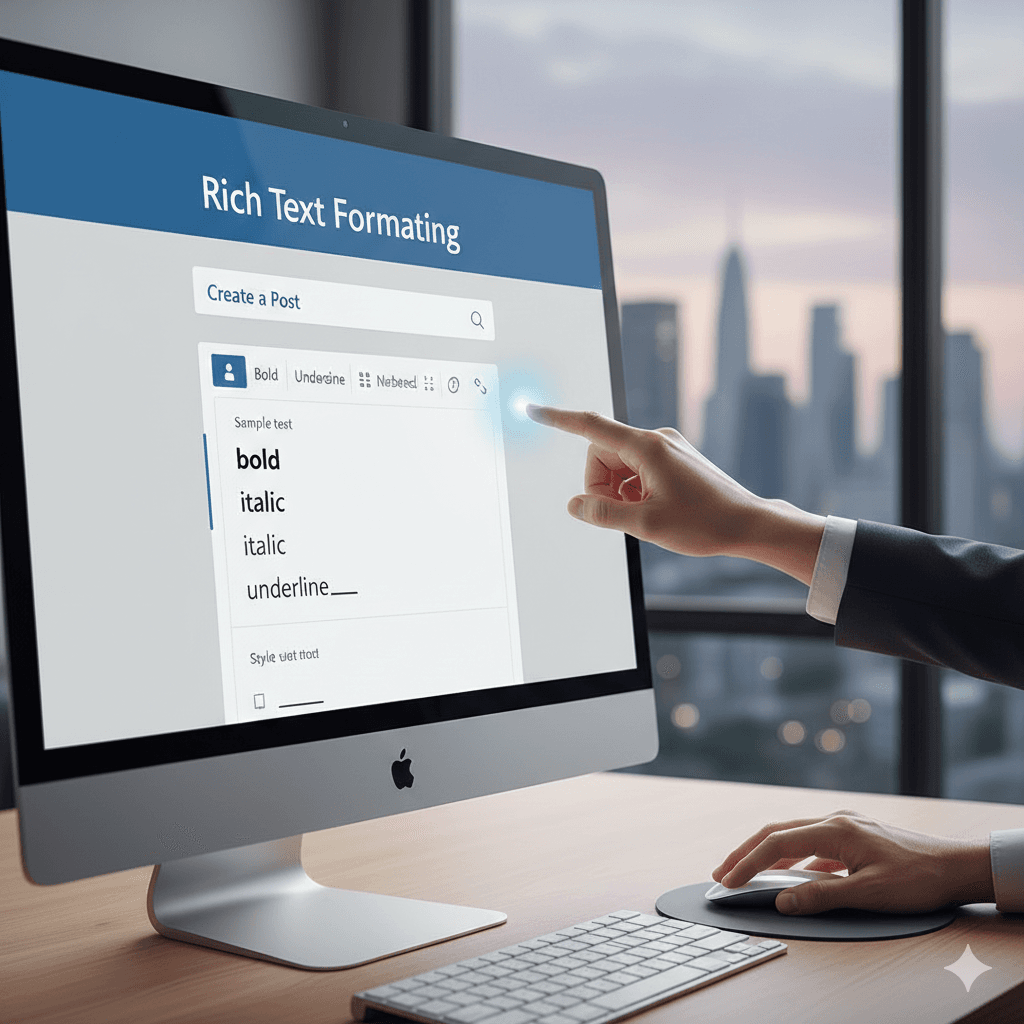
Create Perfectly Formatted LinkedIn Posts
Stop struggling with messy LinkedIn formatting. Our LinkedIn formatter lets you easily add bold text, italics, spacing, bullet points, and professional structure to your posts. Write clean, eye-catching content that stands out in the feed and keeps readers engaged from start to finish.

Preview Exactly How Your Post Will Look
No more trial-and-error posting. With real-time LinkedIn preview, you can see exactly how your content will appear before you publish it. Adjust formatting, spacing, and layout instantly to make sure your post looks perfect on both mobile and desktop.

Rewrite Content with AI in Seconds
Turn average posts into high-performing LinkedIn content using AI-powered rewriting. Instantly transform your text into professional, casual, persuasive, or creative tones. Save time brainstorming and let AI help you craft messages that resonate with your audience.

Boost Reach with Smart Hashtags
Get intelligent hashtag recommendations tailored to your post. Our tool suggests trending, niche-specific, and balanced hashtags to help you reach the right audience. Maximize visibility and engagement without wasting time researching hashtags manually.

Enhance Posts with One-Click Tools
Easily add emojis, mentions, special characters, and structured formatting with a single click. Create more engaging and visually appealing LinkedIn posts without complicated editing or manual formatting tricks.

Optimize Every Post with Built-In Analytics
Track character count, word count, readability score, and estimated reading time while you write. Get instant feedback to help you craft perfectly optimized LinkedIn posts that are clear, concise, and designed for maximum impact.

How to Use the LinkedIn Text Formatter
Write Your Content
Type your LinkedIn post in the editor and use the formatting toolbar to style your text with bold, italic, and other options.
Preview Your Post
Add Hashtags
Copy & Share
Try AutoDM today
Free to start and no commitments. Start automating your Instagram DMs today.
Frequently
asked questions
For any unanswered questions, reach out to our support team via email.
We'll respond as soon as possible to assist you.